
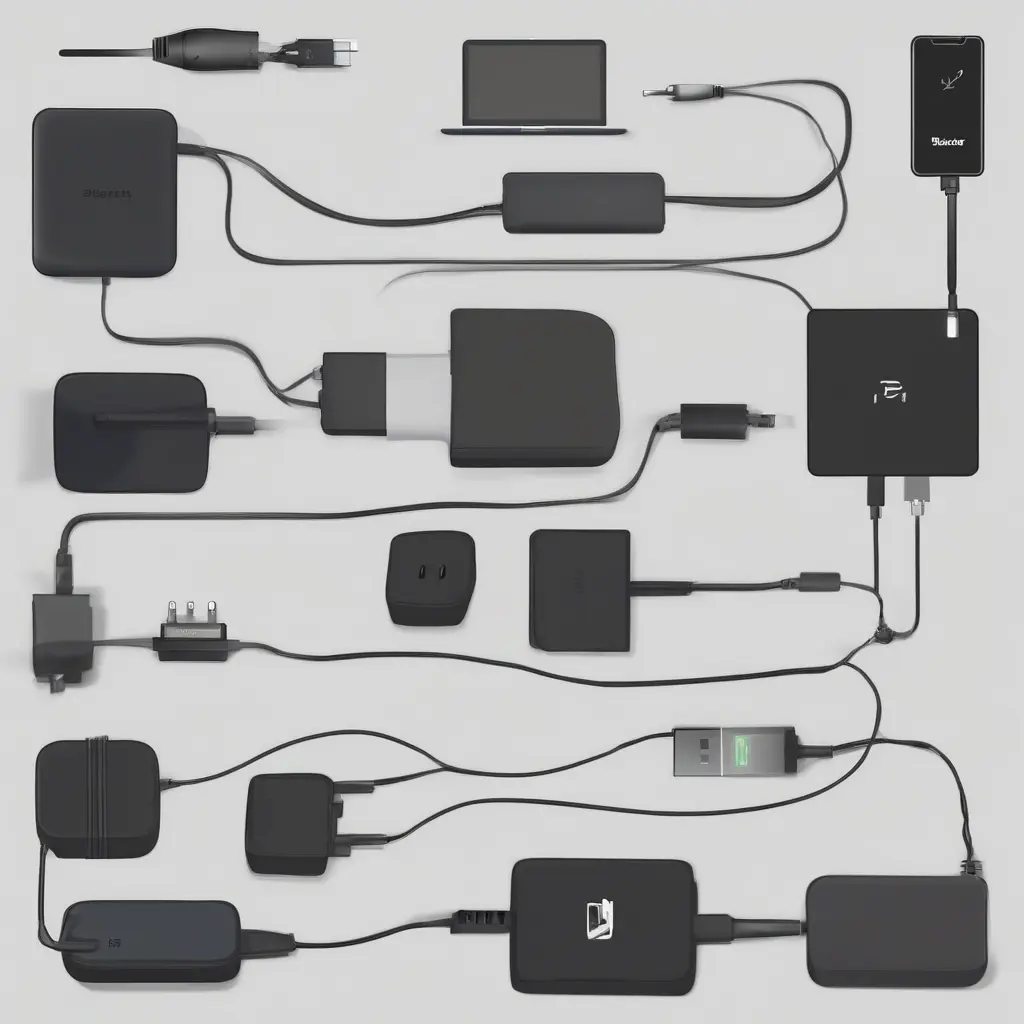
Choosing the right charger for your laptop can significantly impact its performance and longevity. With diverse brands, models, and specifications, understanding your laptop’s requirements is essential. Key factors, including compatibility with the laptop model and the power specifications, should guide your selection process. This guide provides a detailed approach to ensuring that you choose a charger that not only fits securely but also meets your laptop’s energy needs. By following these guidelines, you can help ensure your laptop remains functional and efficient for its intended use.
Understanding Laptop Charger Compatibility
Compatibility is the first consideration when selecting a laptop charger. Different laptop manufacturers often use distinct connectors and charging protocols, making it crucial to select a charger specifically designed for your model. Most laptops will have a recommended charger type listed in their user manual or on the manufacturer’s website. Utilizing the wrong charger can lead to inefficient charging, overheating, and even hardware damage. Therefore, identifying the correct model number and specifications before making a purchase is vital for maintaining your laptop’s health.
Checking Connector Types
The laptop charger’s connector type is another integral aspect of compatibility. Chargers typically come with various plug shapes, including barrel connectors, USB-C ports, and proprietary connectors. A mismatch in the connector type can render the charger unusable, so ensure that the charger’s connector fits snugly into your laptop’s charging port. In many cases, manufacturers provide specific guidelines or images to aid in identifying the correct connector type to avoid confusion during the purchasing process.
Understanding Power Specifications
Power specifications play a crucial role in the selection of a charger for your laptop. The key power specs to consider include voltage (V), amperage (A), and wattage (W). Each laptop model is designed to operate efficiently with specific voltage and current ratings. A mismatch in wattage can lead to slow charging or battery drain and may potentially harm the battery or internal components. Therefore, when choosing a charger, it’s essential to match or slightly exceed the wattage requirements specified by the laptop manufacturer.
Voltage: Why It Matters
Voltage is a critical parameter when selecting a laptop charger, affecting the charging performance. Most laptops require a specific voltage rating to operate correctly and prevent damage. Using a charger with a lower voltage than specified can lead to inadequate power supply, causing the laptop to charge slowly or not at all. Conversely, using a charger with a substantially higher voltage can risk overheating or damaging internal components. Always ensure that the charger voltage matches your laptop’s requirements for optimal performance.
Amperage and Its Importance
Amperage, or the amount of current flowing through the charger, is another vital specification to consider. A higher amperage rating means a charger can deliver more current, contributing to faster charging times. However, the charger should not exceed the amperage rating specified by the laptop manufacturer. If the charger provides too little current, the laptop may charge sluggishly or operate inefficiently. When selecting a charger, ensure that the amperage is equal to or slightly greater than the original charger’s rating for optimal performance.
Choosing Between OEM and Third-Party Chargers
When selecting a charger, you will often face the choice between Original Equipment Manufacturer (OEM) chargers and third-party chargers. OEM chargers are designed specifically for your device by the manufacturer and usually come with a warranty, ensuring compatibility and reliability. On the other hand, third-party chargers may offer competitive pricing and additional features but can vary in quality and safety standards. Always research third-party options thoroughly, checking reviews and safety certifications, to avoid potential risks associated with subpar products.
Reading Product Labels Carefully
Product labels on chargers provide critical information about their specifications that are necessary for making an informed choice. These labels include details such as voltage, amperage, and wattage, which should align with your laptop’s requirements. Additionally, certifications like CE, UL, or FCC indicate that the charger meets specific safety standards. Reading product labels carefully helps ensure that you’re purchasing a safe and compatible charger, reducing the risk of purchasing substandard units that could damage your device or pose safety hazards.
Understanding Safety Features
Safety features are crucial when selecting a laptop charger to protect both the device and the user. Look for chargers that incorporate over-voltage protection, short-circuit protection, and over-temperature protection, which help prevent potential hazards. Chargers with built-in safety mechanisms reduce risks associated with overheating or overloading, which can damage your laptop. Ensuring that the charger you choose has adequate safety features is essential for providing a safe charging experience and enhancing the longevity of your device.
Considering Charging Speed and Efficiency
Charging speed and efficiency are increasingly becoming important factors, especially as technology advances. Factors influencing charging speed include the wattage and efficiency rating of the charger. Higher wattage generally translates to faster charging, but it’s important to ensure that the charger meets the laptop’s specifications. Additionally, consider chargers with smart charging technology that optimizes energy usage, potentially reducing charging times while increasing efficiency. Investing in a quality charger can significantly improve user experience and device longevity through faster and effective charging.
Conclusion
In summary, choosing the right charger for your laptop involves understanding compatibility, power specifications, and safety features. By paying close attention to details such as connector types, voltage, amperage, and wattage, you can select a charger that meets your laptop’s requirements. Balancing the need for performance and safety ensures that your device operates efficiently while safeguarding its integrity. Whether opting for an OEM or a reliable third-party solution, the focus should remain on delivering the right power safely and effectively.