
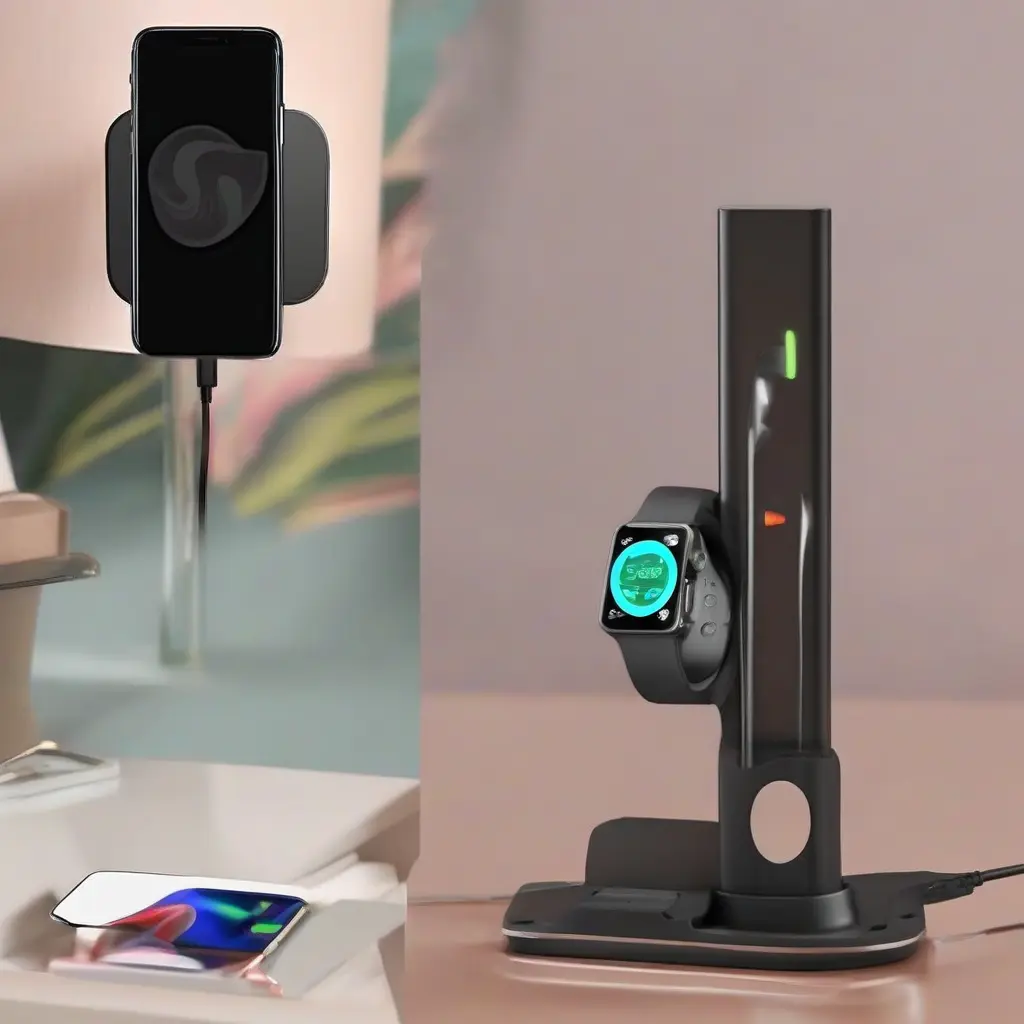
Setting up a dedicated charging station at home can significantly enhance the efficiency and organization of your electronic devices. With the growing number of gadgets we use daily, from smartphones to tablets and laptops, having a centralized location for charging all devices is essential. A well-designed charging station not only keeps your gadgets powered but also minimizes clutter while ensuring that you always know where your devices are. This guide will walk you through the steps to create an effective charging station tailored to your needs.
Assess Your Charging Needs
Before setting up a charging station, it’s important to assess your charging needs. Consider the number and types of devices you regularly use, as well as their specific charging requirements. For example, smartphones, tablets, smartwatches, and laptops often have different voltages and charging ports. Understanding this will help you determine how many outlets and what types of cables you’ll need, enabling you to create a functional space capable of accommodating all your devices effortlessly.
Choose the Right Location
Finding the perfect location for your charging station is crucial for its success. Ideally, it should be a spot that is easily accessible yet discreet. Consider high-traffic areas such as near the entryway or in the living room, but also think about minimizing visible clutter. A designated space can be on a side table, a desk, or even inside a cabinet with proper ventilation. Ensure there’s an available outlet nearby and consider proximity to your daily activities, allowing for convenient charging without disrupting your routine.
Select Quality Charging Cables
The quality of your charging cables can greatly affect the performance of your charging station. Invest in durable, high-quality cables that are compatible with all your devices, as cheaper cables may not provide efficient or safe charging. Consider purchasing cables that are extra long or come with braided materials for added durability. Always ensure that the cables you choose support fast charging if your devices are compatible, which can significantly reduce the time it takes to power up your gadgets.
Incorporate a Multi-Port USB Charger
Using a multi-port USB charger can drastically simplify your charging station setup. These chargers come equipped with multiple USB ports, allowing you to charge several devices at once without the need for multiple wall outlets. Look for USB chargers that support various charging protocols and have multiple output levels to accommodate different devices. This not only saves space but also ensures that all your gadgets are charged efficiently without the mess of tangled cords.
Utilize Cable Management Solutions
Cable management is essential in maintaining a neat and organized charging station. Tangles and clutter can lead to damaged cables and a visually overwhelming environment. Invest in cable organizers such as clips, sleeves, or boxes to keep cords aligned and prevented from tangling together. By effectively utilizing cable management solutions, you can improve both the aesthetic and functionality of your charging station, promoting a more serene and efficient workspace.
Incorporate a Power Strip
Adding a surge-protected power strip to your charging station is a smart move for both safety and convenience. A power strip will provide multiple outlets for your chargers and devices, offering flexibility in your setup. Choose a power strip with USB ports for easier charging without needing additional adapters. Ensure the power strip is surge-protected to safeguard your devices against sudden power surges, providing you peace of mind while you charge your tech.
Design an Aesthetic Charging Station
Designing an aesthetically pleasing charging station can enhance your home decor while serving a functional purpose. Consider using decorative trays or organizers to store devices neatly and avoid visual clutter. You can choose materials that match your home’s style, such as wood or metal. Not only will a well-designed charging station blend into your living space, but it will also reflect your personality and create a dedicated area that feels intentional and organized.
Introduce Smart Technology
Incorporating smart technology into your charging station can elevate its functionality. Smart plugs allow you to control when devices charge via your smartphone or voice commands, which can help conserve energy. Additionally, consider including smart chargers that can intelligently adjust charging speeds based on the device’s needs. By integrating smart technology, you can create a more advanced and effective charging station aligned with modern conveniences.
Consider a Wireless Charging Option
Wireless charging is an increasingly popular option that can simplify the charging process for many devices. A wireless charging pad or station can reduce clutter from cables and offer a sleek charging method for compatible devices. Look for wireless chargers that support multiple devices simultaneously and ensure they support fast charging. This can be an excellent addition to your charging station, providing versatility and convenience in powering up your gadgets.
Maintain Regular Organization
To keep your charging station functional and clutter-free, regular maintenance and organization are key. Schedule a time each week or month to tidy up the area, ensuring cables are untangled and devices are returned to their designated spots. Remove any unused chargers or cables to prevent accumulating unnecessary items. By regularly maintaining your charging station, you will foster a more efficient and accessible environment, which can improve your overall device management.
Conclusion
Setting up a charging station at home for all your devices can lead to a more organized and efficient lifestyle. By considering the specific needs of your devices, choosing the right location, and incorporating useful accessories like multi-port chargers and cable management solutions, you can create a functional and aesthetically pleasing area. This effort not only minimizes clutter but also ensures that all your beloved gadgets are conveniently charged and ready for use whenever you need them.