
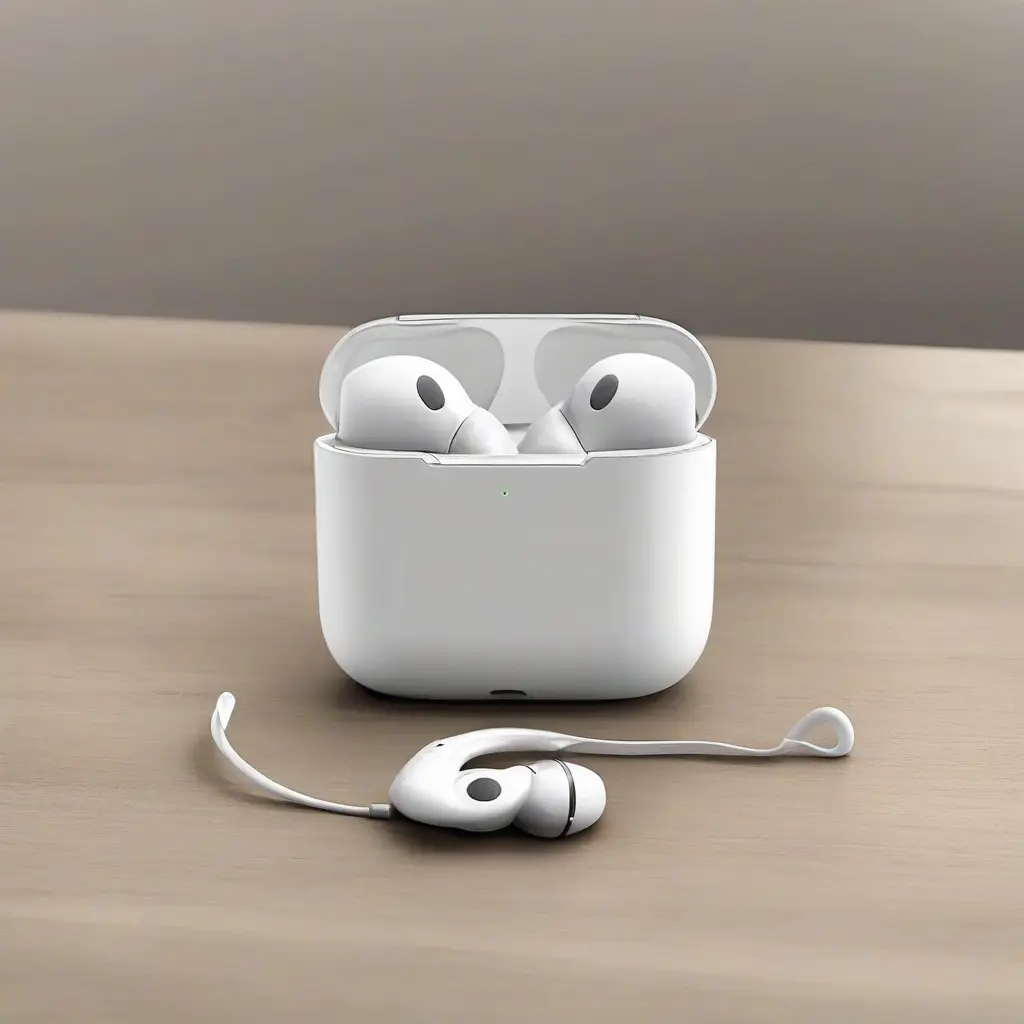
Wireless earphones have become essential gadgets for many, providing unparalleled convenience and freedom of movement. However, with regular use, they can accumulate dirt, sweat, and grime, which can not only affect sound quality but also their lifespan. Proper cleaning and maintenance routines can ensure your earbuds remain hygienic, perform at their best, and serve you well over time. This comprehensive guide will delve into effective cleaning methods, maintenance tips, and preventative care to keep your wireless earphones in excellent condition.
Understanding the Importance of Cleaning Your Wireless Earphones
Regular cleaning of your wireless earphones is crucial for maintaining sound quality and ensuring hygiene. Earwax, sweat, and dust can build up over time, blocking sound passages and degrading audio performance. Additionally, the accumulation of bacteria on earphones can lead to ear infections, making it essential to include cleaning as part of your routine. By keeping your earphones clean, not only do you enhance their functionality, but you also promote a healthier listening experience.
Basic Tools Needed for Earphone Cleaning
Cleaning your wireless earphones efficiently requires simple tools that you likely already have at home. A soft, lint-free cloth is essential for wiping down surfaces without scratching them. A small brush, like a toothbrush or a makeup brush, can help detangle debris from crevices. Additionally, using cotton swabs dipped in a small amount of isopropyl alcohol can help clean hard-to-reach areas effectively. These tools ensure that the cleaning process is thorough while minimizing the risk of damaging your earphones.
Cleaning the Earbud Tips
The earbud tips are often the dirtiest parts of your wireless earphones, collecting moisture and debris from regular use. To clean them, first, detach the tips, if possible, and rinse them under warm water. If stubborn grime persists, a mixture of mild soap and water can help, followed by a thorough rinse. Allow the tips to fully dry before reattaching them to prevent moisture from entering the earphones. Regularly cleaning the earbud tips not only enhances hygiene but also contributes to improved sound quality.
Cleaning the Earphone Grills
The grills of your wireless earphones are susceptible to dust and debris that can obstruct sound. To clean them, use a soft brush to gently remove any accumulated particles. You can also use a slightly damp cloth to wipe the surface without over-saturating it. Caution is essential; excess moisture can damage the electronic components inside. By maintaining clear grills, you ensure that your earphones deliver the crisp and clear audio experience they are designed for.
Proper Storage Solutions for Longevity
Storing your wireless earphones correctly significantly impacts their longevity and performance. Always place them in their designated case when not in use to protect them from dust, accidental damage, or breaking. Avoid leaving them in hot or humid environments, as this can degrade battery life and overall functionality. A dedicated area, free from clutter, can help ensure that you avoid misplacement and keep them in good shape for future use.
Avoiding Moisture Damage
Moisture is one of the main enemies of wireless earphones, particularly if you use them during workouts or in rainy weather. Consider investing in moisture-resistant models if you frequently use them in humid conditions. In the event they do get damp, immediately dry them with a soft cloth and allow them to air dry in a well-ventilated area. Avoid using any heat source, as it can warp or damage the components, ensuring your earphones remain in peak condition.
Extending Battery Life through Care
Taking steps to care for your wireless earphones can significantly improve battery life. Avoid letting the battery drain completely on a regular basis; instead, aim to keep it between 20-80% charged. Additionally, turning the earphones off when not in use can help preserve battery life. Regularly updating the firmware can also ensure that any battery optimization improvements are implemented. These practices not only extend the lifespan of the battery but also enhance overall performance.
When to Seek Professional Help
While many issues with earphones can be resolved through regular cleaning and care, there are times when professional help is necessary. If your earphones exhibit persistent connectivity issues, inconsistent audio quality, or physical damage beyond basic wear and tear, it may be wise to consult a technician. Warranty options should also be considered, as many manufacturers offer support for repairs. Seeking help promptly can often save you money and ensures your device continues functioning optimally.
Conclusion
Maintaining and cleaning your wireless earphones assures their longevity and optimal performance. By incorporating simple cleaning routines and proper storage habits, users can significantly enhance their audio experience while promoting hygiene. Regular attention to care can prevent future issues, ensuring that your earphones remain a reliable accessory for all your listening needs.