
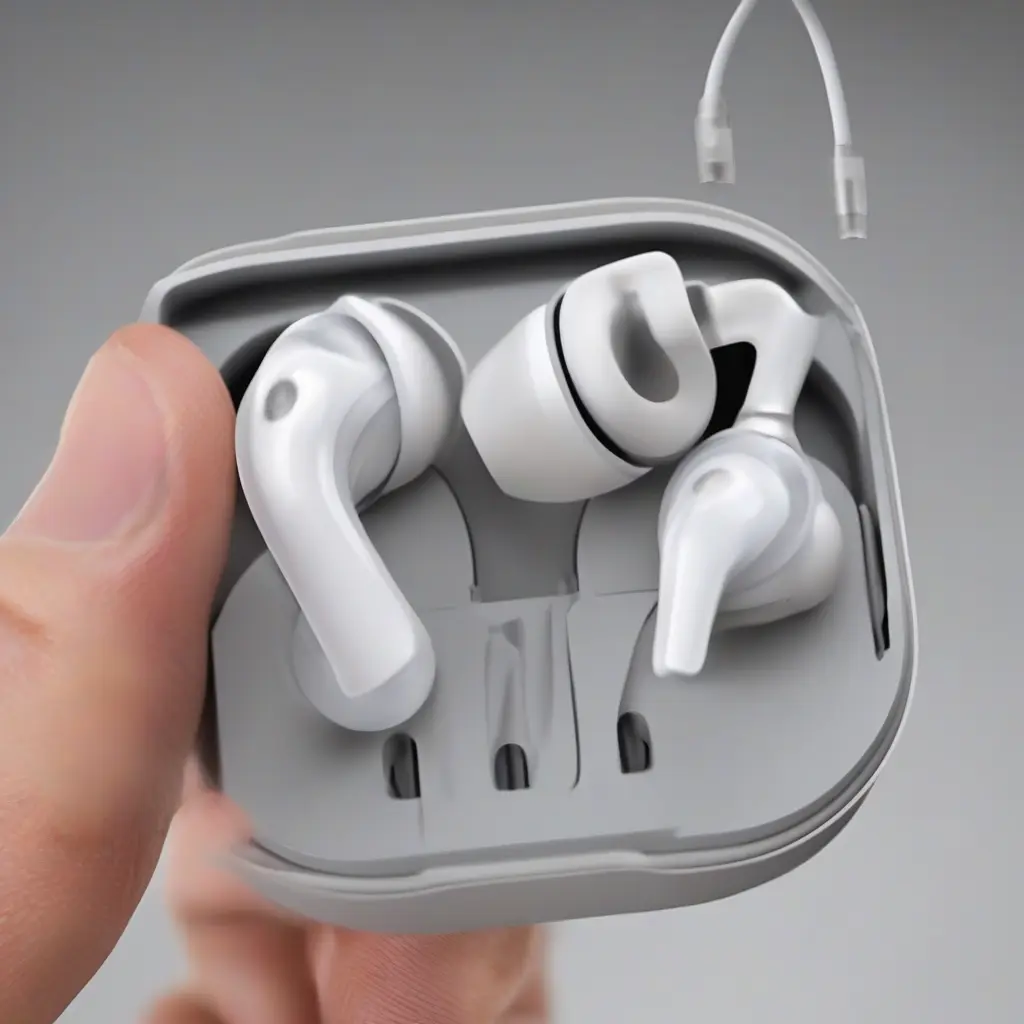
Earbud sound issues can be frustrating and disrupt your listening experience, whether during your daily commute or while working out. Fortunately, most sound problems are fixable with a little troubleshooting. This guide will walk you through common earbud-related sound issues, providing actionable steps to diagnose and address each problem. By following this comprehensive guide, you can restore sound quality and maximize the lifespan of your earbuds.
Check the Audio Source
Before diving into complex technical fixes, start by examining the audio source. Your earbuds may not be the issue; the device you’re using could be to blame. Ensure that your device’s volume is sufficiently high and not muted. Additionally, test the earbuds with different audio sources, such as another phone, laptop, or tablet, to confirm that the problem lies with the earbuds themselves rather than the audio source.
Inspect the Earbuds
Physically inspecting your earbuds can reveal obvious issues that affect sound quality. Look for any visible signs of damage, such as frayed wires, loose connectors, or cracks in the earbud casing. If you notice any damage, it may be time to replace your earbuds. Additionally, check the fit of the ear tips; improper fit can lead to sound distortion and a subpar listening experience.
Clean the Earbuds
Dirt and debris can accumulate in the earbud mesh and connectors, affecting sound quality. To clean your earbuds, gently remove the ear tips if they are detachable, and use a soft, dry cloth to wipe the surfaces. For stubborn grime, slightly dampen a cloth with water or isopropyl alcohol. Be careful not to let any liquid seep into the speaker mesh, as this can further damage the earbuds.
Test the Connections
The connection between the earbuds and the audio source is crucial for uninterrupted sound. If you’re using wired earbuds, ensure that the plug is securely inserted into the audio jack. For wireless earbuds, check if they are paired properly with your device and that Bluetooth is enabled. If the connection seems loose or unstable, try reconnecting your earbuds or restarting the Bluetooth connection to see if it resolves sound issues.
Adjust Equalizer Settings
Equalizer settings on your device can significantly influence the sound output of your earbuds. Many music apps provide equalizer presets that can enhance audio quality for different genres. Experiment with these settings to see if changing the equalizer improves sound clarity. If you are unfamiliar with equalizer settings, consider resetting them to default to see if that resolves the problem.
Update Device Firmware
Outdated firmware can lead to compatibility issues, affecting the performance of your earbuds. Regularly check for firmware updates on both your audio source and the earbuds if applicable. For Bluetooth earbuds, manufacturers often release updates to enhance performance or fix known bugs. Keep your devices updated to ensure you’re getting the best sound quality and user experience.
Test with Different Cable
For wired earbuds, the cable itself may be the source of sound issues. A damaged or worn cable can lead to distorted or lost sound. If possible, test the earbuds with a different cable to determine if the original cable is causing the problem. This step will help pinpoint whether the issue lies in the earbud speakers or the connecting cable.
Check for Bluetooth Interference
Bluetooth earbuds can experience interference from other electronic devices or physical obstructions. If you notice sound drops or static, identify other devices that may be operating on the same frequency and move away from them. Common culprits include Wi-Fi routers and even microwaves. Sometimes, simply moving to a less cluttered environment can improve your wireless listening experience.
Consider the Battery Life
Poor sound quality in wireless earbuds can sometimes be linked to low battery levels. Most wireless earbuds will produce distorted sound as the battery drains, prompting you to charge them. Make it a habit to check the battery status before use, and ensure your earbuds are fully charged to experience optimal sound quality throughout your listening session.
Consult the Manufacturer’s Support
If you’ve attempted all the troubleshooting steps and still face sound issues, it’s time to consult the manufacturer’s support team. They can provide specific guidance related to your earbud model or help troubleshoot unique problems. Additionally, they can inform you about warranty options or repair services if the earbuds are defective, ensuring you get the most from your investment.
Conclusion
Addressing common earbud sound issues often requires a systematic approach, starting from basic checks to advanced troubleshooting. By following the steps outlined in this guide, you can effectively identify and fix sound problems with your earbuds, enhancing your overall audio experience. Regular maintenance and proper care can also extend the lifespan of your earbuds, making them a reliable companion for your audio needs.