
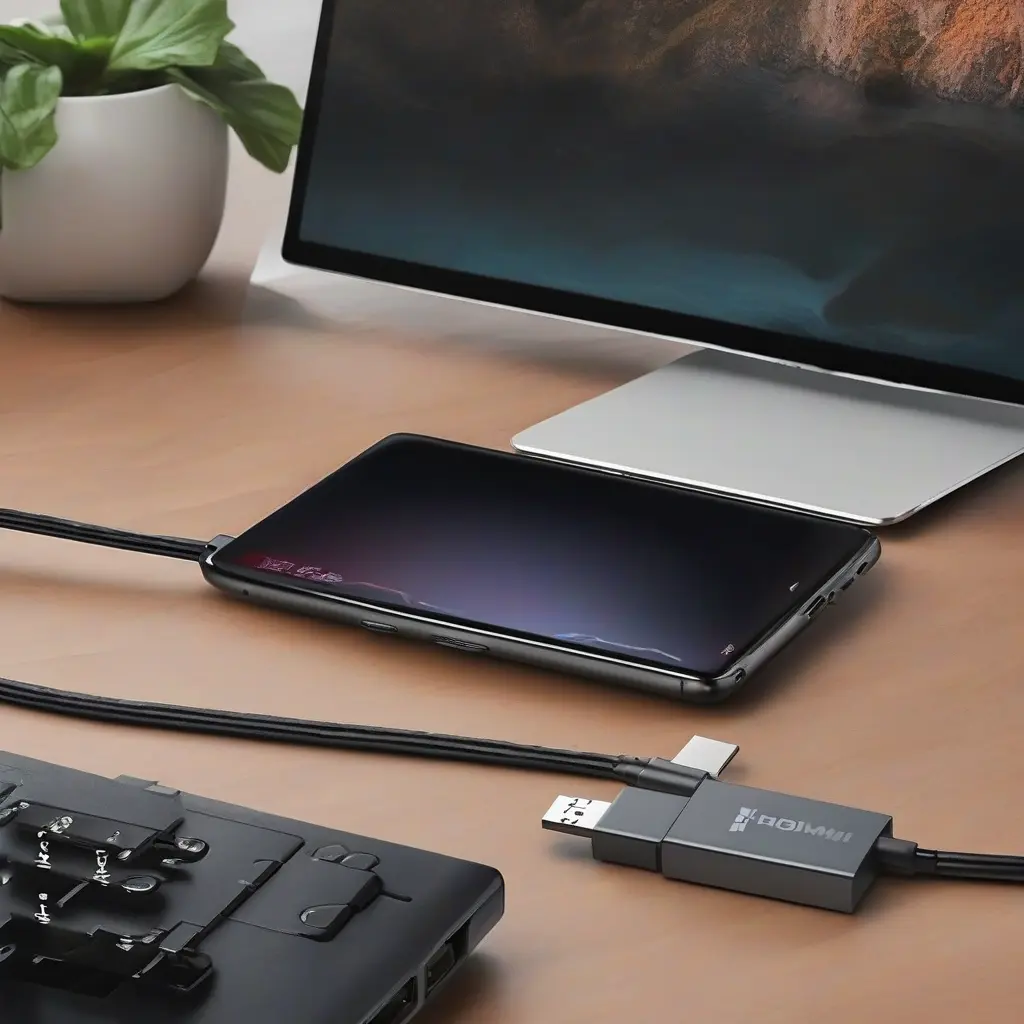
In today’s digital world, knowing how to connect your phone to your TV can enhance your viewing experience significantly. USB-C to HDMI cables provide a convenient way to mirror your smartphone’s display on a larger screen, whether for gaming, streaming, or presenting content. This guide will explore the benefits, compatibility, and usage of these cables, along with tips for choosing the right cable for your devices.
Understanding USB-C and HDMI Standards
Before diving into how to connect your devices, it’s essential to understand what USB-C and HDMI standards entail. USB-C is a versatile connector that supports data transfer, power delivery, and video output. HDMI (High-Definition Multimedia Interface), on the other hand, is primarily used for transmitting high-definition video and audio signals between devices. Together, they enable the seamless sharing of high-quality content from your smartphone to your television.
Benefits of Using USB-C to HDMI Cables
USB-C to HDMI cables offer numerous benefits for users looking to connect their phones to larger screens. First, they transmit audio and video in high resolution, ensuring that you enjoy your favorite shows, movies, and games with superior quality. Additionally, they are typically plug-and-play, meaning you can connect your devices easily without complicated setups. Furthermore, these cables support a range of devices, making them versatile for various media sharing scenarios.
Compatibility Check: Is Your Phone Ready?
Not all phones support video output through USB-C, so it’s crucial to verify your device’s compatibility before purchasing a cable. Most modern smartphones, especially those running Android, are equipped with USB-C ports capable of video output. However, some older models or specific brands may not support this feature. Always check your phone’s specifications or consult the manufacturer to confirm USB-C video output capability before proceeding.
Choosing the Right USB-C to HDMI Cable
When selecting a USB-C to HDMI cable, there are several factors to consider to ensure optimal performance. Length is important; choose a cable that fits your setup without creating clutter. Additionally, look for high-quality materials that support high-resolution outputs, such as 4K, if you are aiming for the best visual experience. Lastly, consider cables that come with added features like flexible connectors or braided exteriors for durability.
Connecting Your Phone to Your TV: Step-by-Step Guide
Connecting your phone to your TV using a USB-C to HDMI cable is a straightforward process. Begin by plugging the USB-C end of the cable into your phone. Next, connect the HDMI end of the cable to an available HDMI port on your TV. Switch your TV’s input source to the corresponding HDMI channel, and your phone’s display should mirror onto the TV screen almost instantly. Some phones may require you to adjust settings for optimal display, so explore your device’s display settings if needed.
Troubleshooting Common Connection Issues
Even with the best cables, you may encounter connection issues when linking your phone to your TV. Start by ensuring that both devices are powered on and the cable is securely connected. If you see a blank screen, verify that you have selected the correct HDMI input on your TV. Additionally, compatibility issues can arise based on phone models; ensure your phone supports video output via USB-C. If problems persist, try using a different cable or connecting to another HDMI port.
Enhancing Your Viewing Experience with Apps
Utilizing USB-C to HDMI cables can be further enhanced by using specific applications that optimize your viewing experience. Streaming services like Netflix or YouTube allow you to enjoy content in high definition when mirrored on a big screen. Additionally, gaming apps can utilize the larger display for immersive gameplay. Ensure that your streaming apps are updated to take full advantage of high-quality resolution and responsive performance when displayed.
Comparing Wireless Alternatives to USB-C to HDMI
While USB-C to HDMI cables provide a reliable connection, there are wireless alternatives worth considering. Technologies like Chromecast and Apple AirPlay allow users to stream content without cables, offering flexibility and convenience, especially in multitasking environments. However, these methods can sometimes suffer from lag or buffering, depending on your Wi-Fi connection. Therefore, weighing ease of use against the stable performance of wired connections is essential.
Future of Connectivity: USB-C Developments
As technology evolves, USB-C connectors are becoming increasingly prevalent in newer electronic devices. This transition offers exciting possibilities for connectivity, as more manufacturers adopt USB-C as the standard port. In the future, we can expect enhanced data transfer speeds and better power delivery, which will further streamline the process of connecting various gadgets. Keeping abreast of these developments will help consumers maximize their technology investment.
Conclusion
Learning how to effectively use USB-C to HDMI cables can significantly enhance your media experience, allowing for seamless connections between your phone and TV. With numerous benefits, including high-resolution display capabilities and ease of use, these cables are an excellent choice for anyone looking to project content on a larger screen. Understanding device compatibility and making informed purchasing decisions will ensure that you can enjoy this technology to its fullest.