
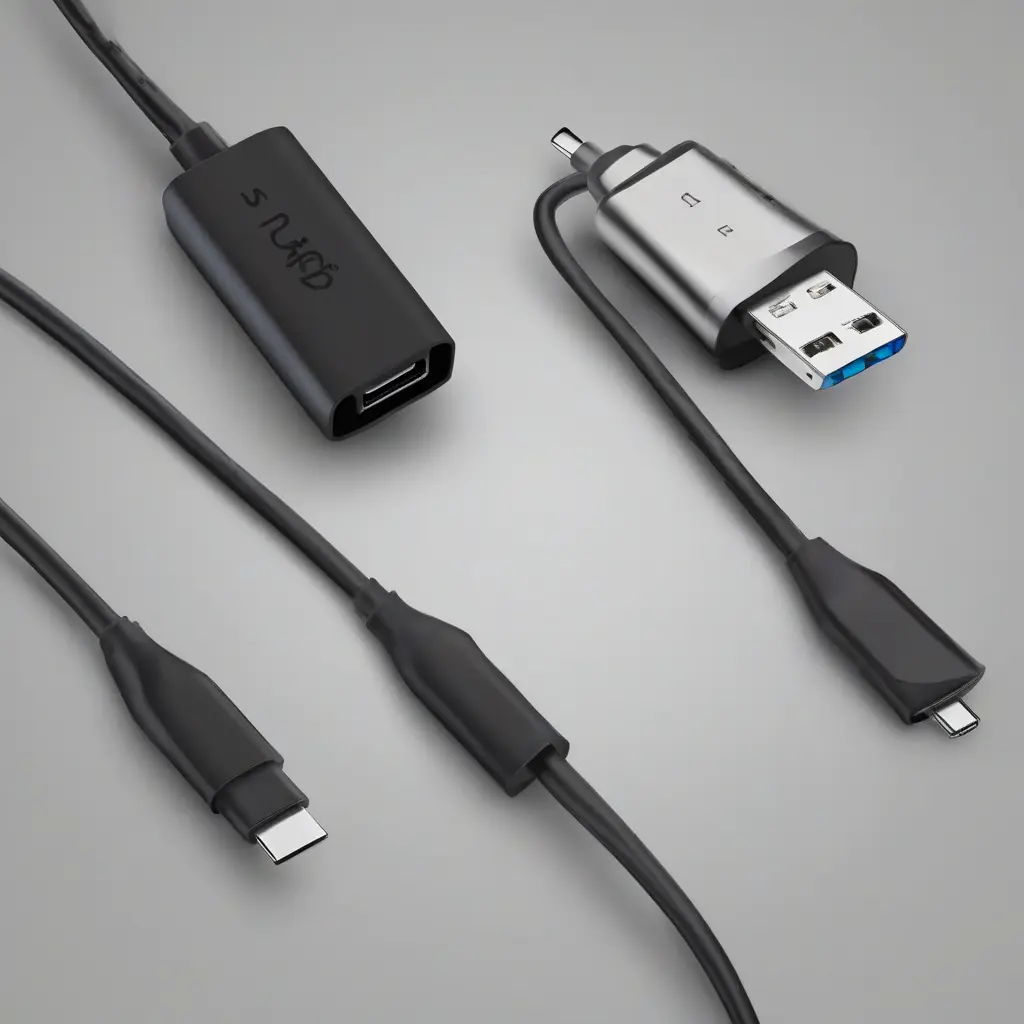
USB-C charging cables have become the go-to solution for powering a wide array of devices, ranging from smartphones to laptops. While they are praised for their versatility and efficiency, users often encounter various challenges that can impede functionality. This guide aims to address frequent USB-C cable issues, providing troubleshooting tips to help users identify and resolve problems effectively. Understanding these common issues can enhance user experience and minimize frustration when managing electronics.
Identifying Charging Issues
Charging problems can manifest in several ways, including devices failing to recognize the cable or slow charging rates. The first step in troubleshooting is to confirm that the cable itself is not the issue. Inspect the cable for any signs of wear, fraying, or damage. Additionally, ensure that both the cable ends are clean and free from debris, as dirt can hinder electrical connections. By identifying whether the problem lies with the cable, the charging port, or the power source, users can narrow down their troubleshooting efforts more efficiently.
Checking Power Sources
Another common source of USB-C charging issues is the power outlet or source being utilized. Many users overlook the importance of a reliable power supply while troubleshooting. Ensure the outlet is functional by testing it with another device or charger. If using a portable charger or power bank, verify that it is fully charged. Additionally, using the correct power adapter that meets the voltage requirements of the device is crucial for efficient charging. A mismatched adapter may lead to inadequate power delivery, affecting performance.
Assessing Cable Compatibility
Compatibility is vital when it comes to USB-C charging cables. Different devices may have distinct charging standards, necessitating specific cables for optimal performance. It is essential to use a cable rated for the required power output of the device to avoid inefficient charging and potential damage. Users should consult their device specifications to ensure that the cable they are using supports the required charging standards, such as Power Delivery (PD) or Quick Charge. Ignoring compatibility can lead to less than ideal charging experiences.
Investigating Device Settings
Sometimes, the issue may not be with the cable or the power source but rather with the device settings itself. Checking the device settings can reveal whether any power-saving modes are hindering charging, particularly on smartphones and tablets. Additionally, ensuring that the device’s software is up to date can resolve compatibility issues as manufacturers often release updates to improve performance. To eliminate settings as a possible cause of charging issues, reviewing and adjusting them can prove beneficial.
Evaluating Port Condition
The condition of the USB-C port itself is critical to maintaining a reliable charging connection. Over time, ports can accumulate dust, lint, or debris, which can interfere with the electrical connection. Inspecting the ports for cleanliness and damage is recommended. Users can gently clean the port using compressed air or a soft, dry brush to remove any blockage. If the port shows signs of physical damage or is loose, it may require professional repair or replacement to ensure proper charging functionality.
Testing with Alternative Cables
If issues persist, testing with an alternate USB-C charging cable can help determine if the original cable is faulty. This step is critical in isolating the problem; if a different cable charges the device without issue, the original may need replacement. When selecting a new cable, ensure it meets the appropriate specifications and standards for the device being charged. A quality replacement cable can restore functionality and provide a faster charging experience.
Recognizing Temperature Effects
Temperature fluctuations can also affect charging capability, particularly with USB-C cables. Cables and devices may heat up during use, and excessive heat can trigger safety mechanisms that limit charging. Moreover, using devices in very hot or cold environments can lead to unexpected performance issues. Ensuring that both the cable and the device are operating in a suitable temperature range can prevent charging interruptions and prolong the lifespan of electronic components.
Understanding Cable Types and Specifications
USB-C cables come in various types and specifications, each serving unique functions. For instance, some cables may only support data transfer, while others can handle high power outputs necessary for fast charging. Understanding these distinctions is essential when selecting a cable for specific devices. When shopping for cables, look for labels indicating their compatibility with certain charging speeds, to ensure you choose the correct option for your needs and to avoid connectivity issues.
Maintaining Regular Cable Care
Regular care and maintenance of USB-C cables can enhance their longevity and performance. Avoiding excessive bending or pulling of cables prevents internal wiring damage. It’s also advisable to store cables properly, using cable organizers or ties to avoid tangling. Additionally, keeping the connectors clean and avoiding exposure to moisture can significantly reduce wear. By adopting these practices, users can extend the life of their USB-C cables and enjoy hassle-free charging experiences.
Conclusion
In summary, troubleshooting USB-C charging cable problems involves multiple steps, from inspecting the cable and power source to checking device settings and compatibility. By following the outlined strategies and maintaining proper care, users can identify and resolve issues effectively. Awareness of common challenges and proactive management can enhance user experience, ensuring devices maintain effective charging capabilities throughout their lifespan.