
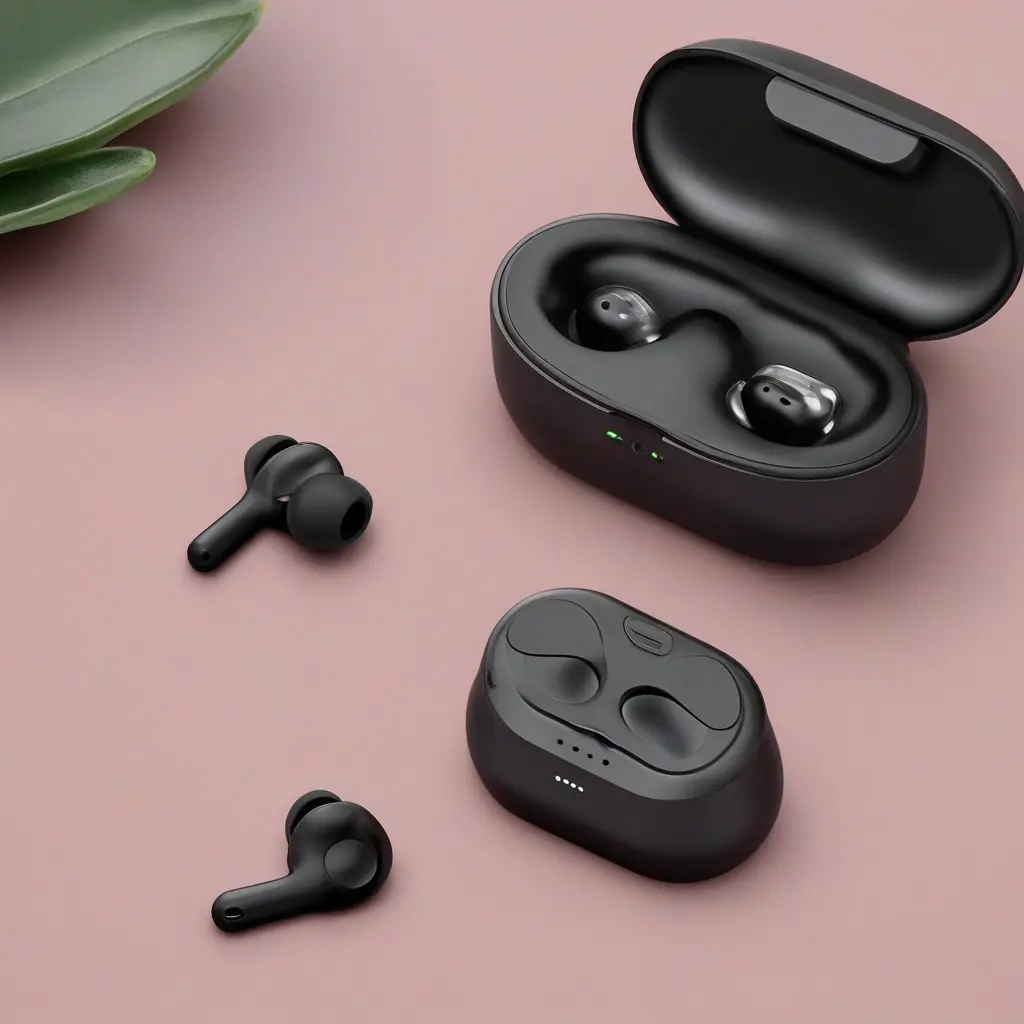
Wireless earbuds have become a staple for music lovers and podcast enthusiasts alike, but battery life continues to be a significant concern. With regular use, earbuds can lose their charge rapidly, leading to frustrations. Fortunately, there are several effective strategies to extend the battery life of your wireless earbuds. By adopting better charging habits, managing device connectivity, and taking care of your earbuds, you can enhance their longevity and ensure an uninterrupted listening experience.
Understand Battery Technology
To effectively extend the battery life of your wireless earbuds, it is crucial to understand their lithium-ion battery technology. These batteries thrive on specific charging habits to maintain their health. For optimal performance, it’s best to avoid fully depleting the battery before recharging. Instead, recharge when it dips below 20%. This practice helps to minimize stress on the battery and prolongs earbud lifespan, as frequent deep discharges can lead to reduced overall capacity over time.
Optimize Charging Practices
Proper charging is vital for maximizing the battery life of your wireless earbuds. Using a high-quality charger specifically designed for your earbuds is essential. Avoid using low-capacity or outdated chargers, as they may charge your device inefficiently. Additionally, monitor the charging time and avoid overcharging, which can severely weaken the battery. Once fully charged, unplug your earbuds to maintain battery health and ensure maximum usage time in between charges.
Reduce Volume Levels
Contrary to common belief, higher volume levels can significantly affect the battery life of wireless earbuds. When you play audio at maximum volume, the earbuds require more power, leading to faster battery depletion. To extend battery longevity, consider lowering your volume to a comfortable level around 60-70%. This not only helps save battery life but also reduces the risk of hearing damage, making your listening experience healthier and more sustainable.
Limit Bluetooth Range
Bluetooth signal strength directly impacts battery usage in wireless earbuds. Maintaining a close proximity to your audio source can conserve battery life. In environments where you might move away from your paired device, such as during workouts, try to limit distance; signals can struggle beyond approximately 30 feet. Additionally, obstacles like walls can disrupt the connection, forcing your earbuds to expend more power to maintain connectivity, ultimately draining the battery faster.
Use Earbuds with Battery-Saving Features
Many modern wireless earbuds come equipped with battery-saving features such as auto-off or power nap modes, which can significantly extend playtime. When not in use, the earbuds can switch off automatically or enter a low-power state, preserving battery life. Familiarize yourself with the specifications of your earbuds and activate these settings to help minimize power consumption. Selecting earbuds with advanced battery life management features can greatly enhance your overall usage experience.
Keep Firmware Updated
Regularly updating the firmware of your wireless earbuds can also help optimize battery life. Manufacturers often release updates that improve battery management and fix performance-related issues. By ensuring your earbuds are running the latest software, you can benefit from enhanced functionalities and potentially more efficient power consumption. Check the manufacturer’s app or website for instructions on how to download and install these updates effectively.
Store in a Proper Case
Storing wireless earbuds in their designated charging case when not in use is essential for battery preservation. The case not only protects them from physical damage but also charges the earbuds when they are not in active use. This ensures that they are always ready to perform optimally when needed. Moreover, keeping them in a cool, dry place will help prevent any temperature-related battery issues that could reduce overall lifespan.
Avoid Extreme Temperatures
Extreme temperatures can negatively affect battery performance and life. High heat can lead to rapid degradation of lithium-ion batteries, while cold conditions may cause temporary power loss. To extend the battery life of your wireless earbuds, avoid exposing them to extreme temperatures in your car, outdoors, or during workouts. Instead, keep them in a temperature-controlled environment to maintain optimal battery functionality and longevity.
Manage Audio Settings
Adjusting the audio settings on your device can also play a significant role in extending the battery life of your wireless earbuds. Features such as noise cancellation, while beneficial for sound quality, can consume more battery power. If you’re in a quiet environment, consider turning off noise cancellation to reduce power usage. Moreover, equalizers can alter power demand, so optimizing these settings can contribute to a longer-lasting charge and more efficient listening experience.
Conclusion
Extending the battery life of your wireless earbuds can significantly enhance your listening experience and provide you with greater convenience. By understanding battery technology, optimizing your charging habits, and managing overall device settings, you can enjoy longer audio playback times without interruption. Implementing these strategies not only prolongs battery life but also safeguards your investment, ensuring your wireless earbuds serve you well for years to come.